Britsino Casino Game Filters and Navigation: Finding What You Actually Want to Play
 Available in GB
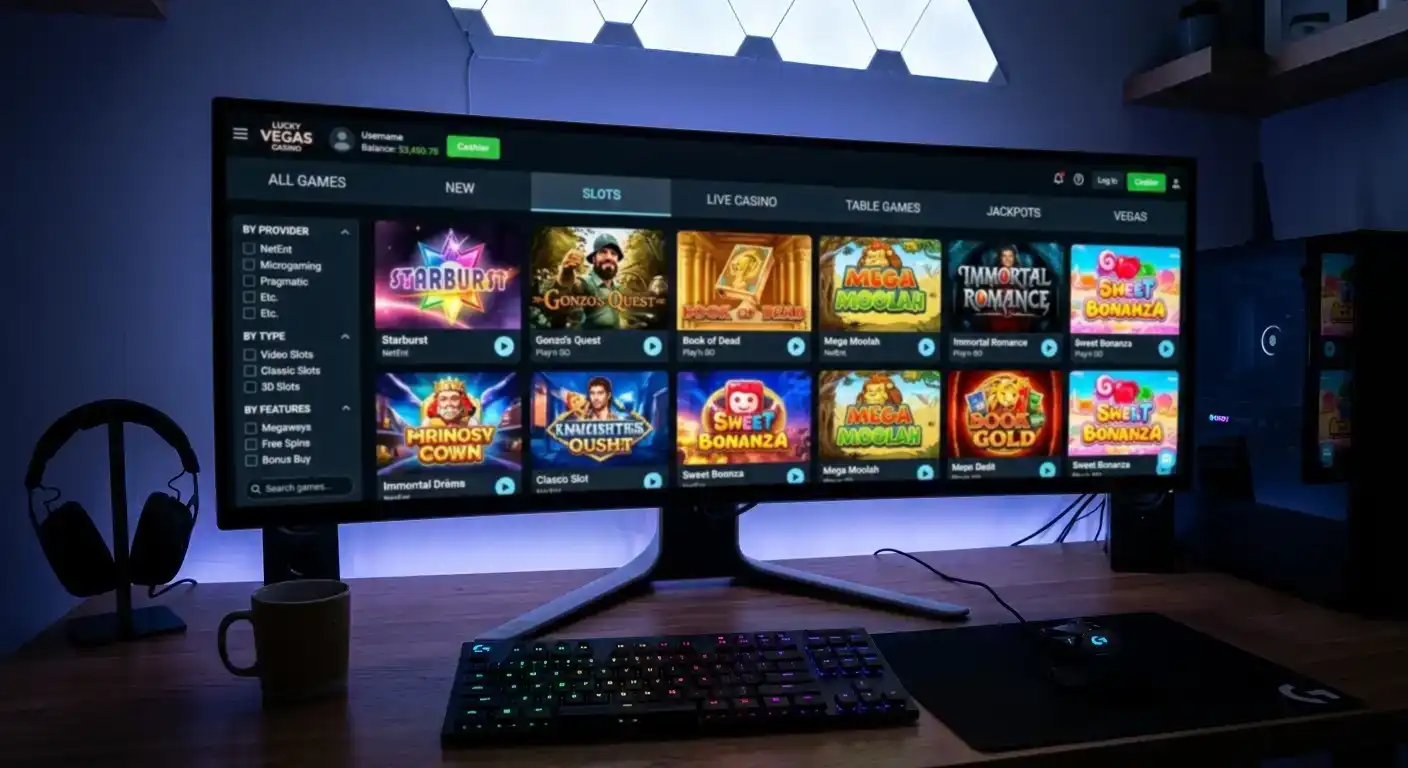
I once spent twenty minutes scrolling through a casino lobby looking for a specific Pragmatic Play slot I had read about in a review. Twenty minutes. The lobby had over 3,000 games, no provider filter, and a search bar that only matched exact titles — so misspelling one word meant zero results. By the time I found the game, my enthusiasm had evaporated and I played three spins before closing the tab. That experience perfectly illustrates why game navigation is not a minor UX detail — it is the difference between a player who stays and a player who leaves.
Britsino Casino hosts a substantial game catalogue from dozens of providers, which makes effective filtering not just convenient but essential. This article examines how the lobby is structured, what the filtering tools actually do, and the practical strategies I use to find specific games without wasting time.
Table of Contents
- The Lobby Architecture at First Glance
- Category Filters and What They Actually Separate
- The Search Bar: Power and Limitations
- Provider Filtering: The Most Underused Tool in the Lobby
- Mobile Navigation: Smaller Screen, Different Challenges
- Favourites, Recently Played and Personal Curation
- Navigation Habits That Actually Save Time
The Lobby Architecture at First Glance
Have you ever walked into a Tesco Extra and noticed how the layout guides you — bread at the back, promotions at the entrance, essentials along the aisles? Casino lobbies follow the same logic, just with less obvious signage. Britsino’s main lobby presents games in horizontal carousels grouped by category, with the most promoted titles occupying the top row. Below that, you get categorical sections — slots, live casino, table games, jackpots — each showing a subset of available titles.
The default view is curated, not comprehensive. What you see on first load represents perhaps 5% to 10% of the total catalogue, selected by a combination of popularity metrics, provider placement deals and internal promotion schedules. This means the games pushed to your screen are not necessarily the best games for your preferences — they are the games the platform wants you to see first. Understanding this distinction is the first step toward navigating any casino lobby effectively.
According to SOFTSWISS platform data, the average online casino in 2025 offers between 4,000 and 8,000 individual game titles. At that scale, browsing without filters is like trying to find a specific book by walking through every shelf of the British Library. You need tools, and those tools need to work properly.
Category Filters and What They Actually Separate
Last week I watched a mate click the “table games” filter expecting to find video poker — and stare at a screen full of blackjack and roulette variants. His confusion was reasonable: category labels in casino lobbies are standardised across the industry, but what each category contains is not. Britsino uses the familiar set — Slots, Live Casino, Table Games, Jackpots and sometimes a “New” or “Popular” tab — but the boundaries between categories deserve closer examination.
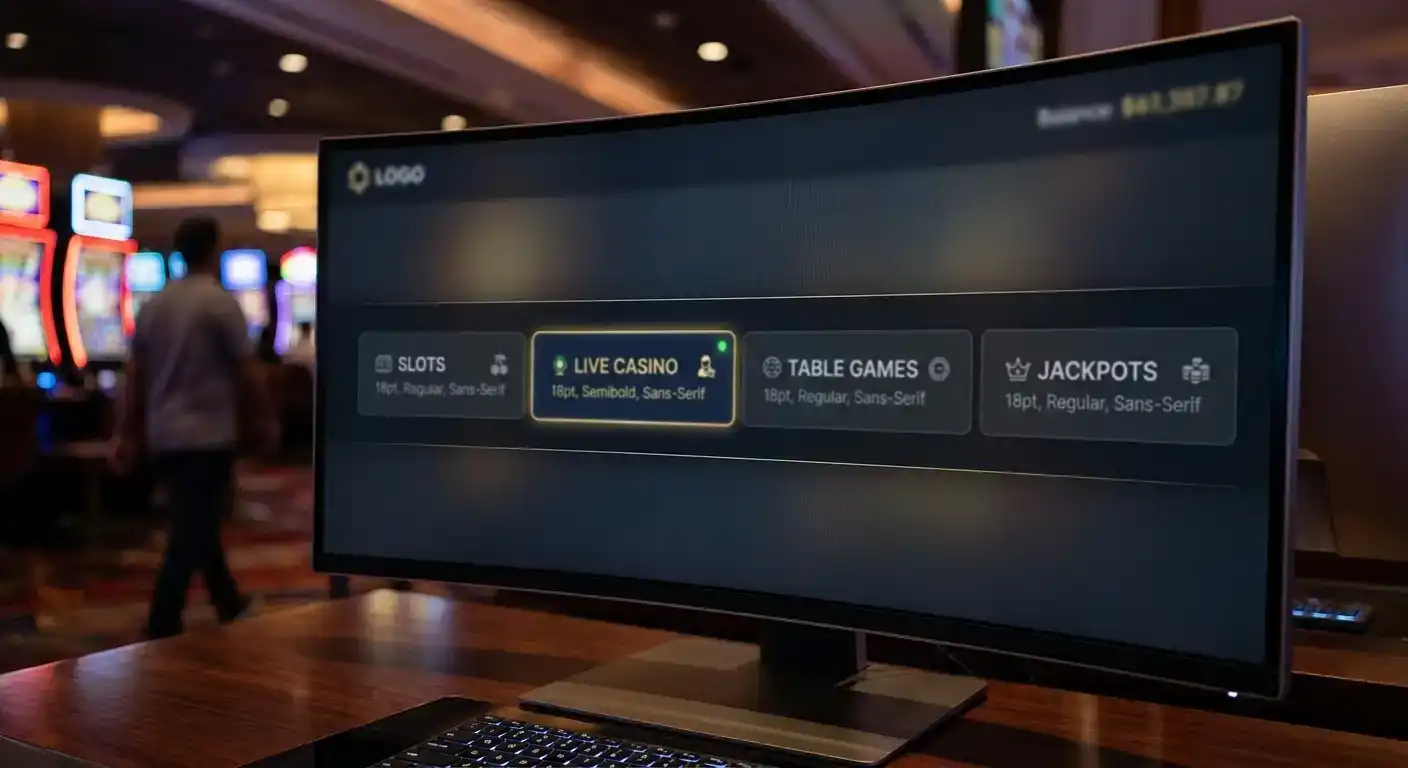
The Slots category is the largest by far, typically containing 70% to 80% of the total library. Within it, games vary enormously — from three-reel classic fruits to complex Megaways engines with 117,649 paylines. Without sub-filtering, this category is nearly as overwhelming as the unfiltered lobby. The presence of a provider filter within the Slots section is what separates a usable lobby from a frustrating one.
Table Games covers RNG-powered versions of blackjack, roulette, baccarat and sometimes poker variants. These are distinct from the Live Casino section, which offers the same game types but with real dealers via video stream. The separation makes sense, but players looking for “roulette” need to know that their target exists in both categories — and the versions in each offer fundamentally different experiences, as explored in the live dealer experience breakdown.
The Jackpot category aggregates games with progressive or pooled prize pools, pulling titles from across the slot catalogue. A game can appear in both “Slots” and “Jackpots” simultaneously, which occasionally creates the illusion of a larger library than actually exists.
The Search Bar: Power and Limitations
Every casino lobby has a search bar. Very few have a good one. I test casino search functionality the same way every time — I type a partial game name, misspell it slightly, and see what happens. The results tell me everything I need to know about how much engineering effort went into the feature.
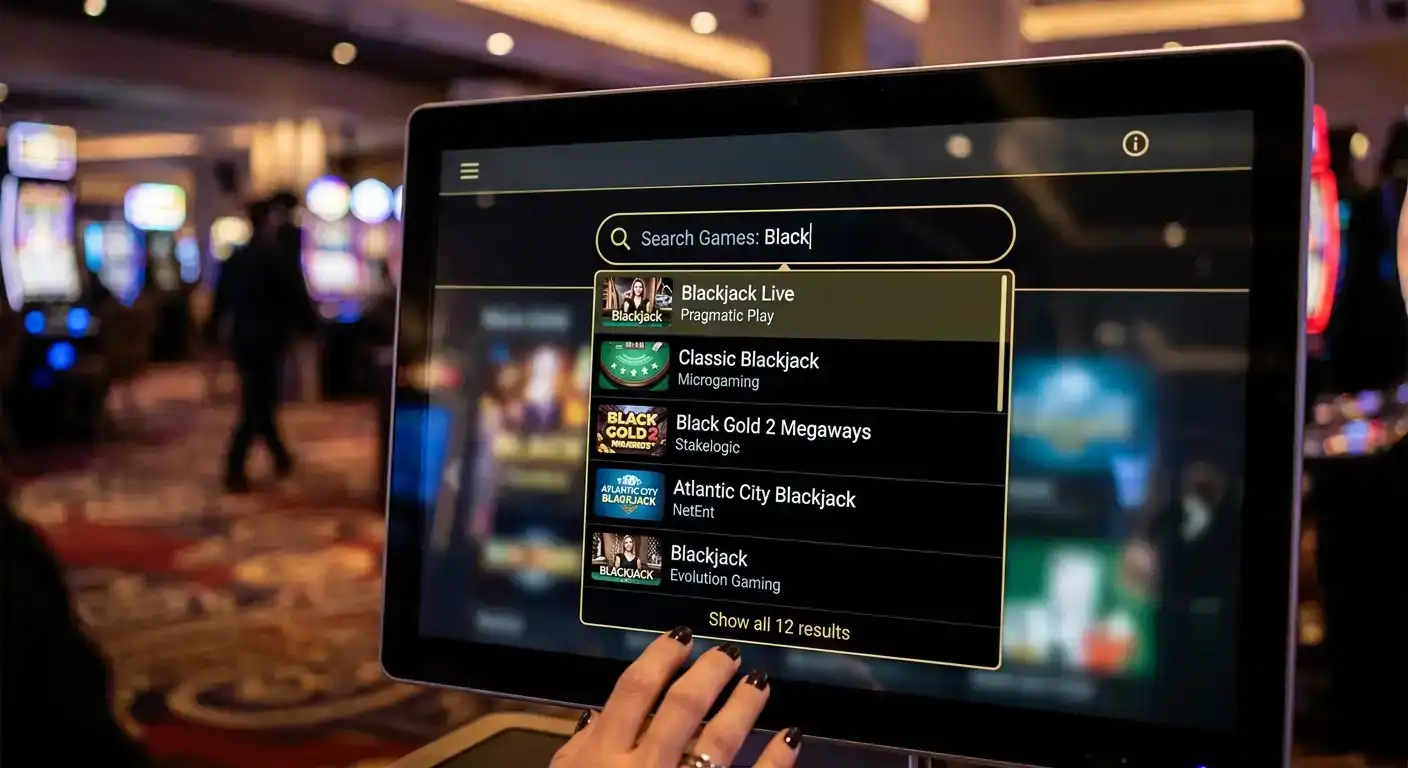
A search bar that handles partial matches, common misspellings and provider names alongside game titles is genuinely useful. One that requires exact character-for-character title matching is decorative. At Britsino, the search function returns results based on title matching, which means knowing the exact game name — or at least the first few distinctive words — is important. Searching for “starburst” works. Searching for “that NetEnt slot with the gems” does not.
Practical tip: if you cannot find a game by title, search for the provider name instead (if the search supports it) and then browse that provider’s catalogue within the results. This is often faster than scrolling through thousands of thumbnails hoping to recognise the artwork. If the search does not support provider-name queries, the provider filter — if available — becomes your primary navigation tool.
Provider Filtering: The Most Underused Tool in the Lobby
If I could teach new casino players one single navigation habit, it would be this: learn to filter by provider. Most players think about games as individual products — “I want to play Sweet Bonanza” or “I liked that mining game.” Experienced players think about games as provider catalogues — “I enjoy Pragmatic Play mechanics” or “I prefer Push Gaming’s volatility profile.”
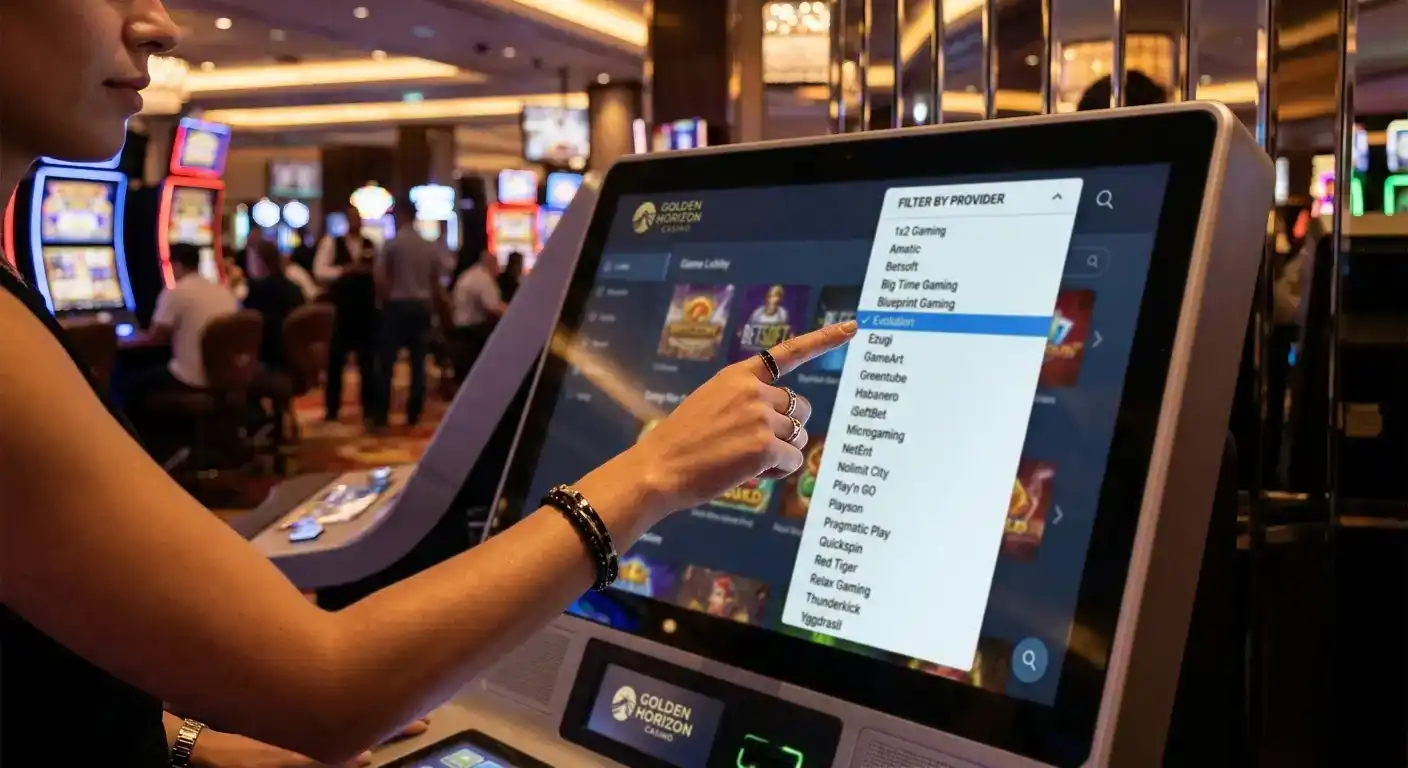
This mental shift transforms lobby navigation. Instead of searching for one game at a time, you filter to a specific provider and browse a curated set of 20 to 80 titles that share similar design philosophies, bonus mechanics and volatility ranges. It is the difference between searching for one song on Spotify and subscribing to an artist’s entire discography.
Britsino hosts games from a wide range of providers — the full roster is detailed in the game providers overview. When a provider filter is available, use it as your primary discovery mechanism. When it is not, the search bar with a provider name is your fallback. Either way, thinking in terms of providers rather than individual titles will save you enormous amounts of browsing time.
Mobile Navigation: Smaller Screen, Different Challenges
A question I hear constantly: why does the same casino feel completely different on my phone? The answer is screen real estate. A desktop lobby might display 24 game thumbnails above the fold. A mobile screen shows four to six. That means the same 5,000-game catalogue requires roughly four to six times more scrolling on mobile — and human patience does not scale proportionally.
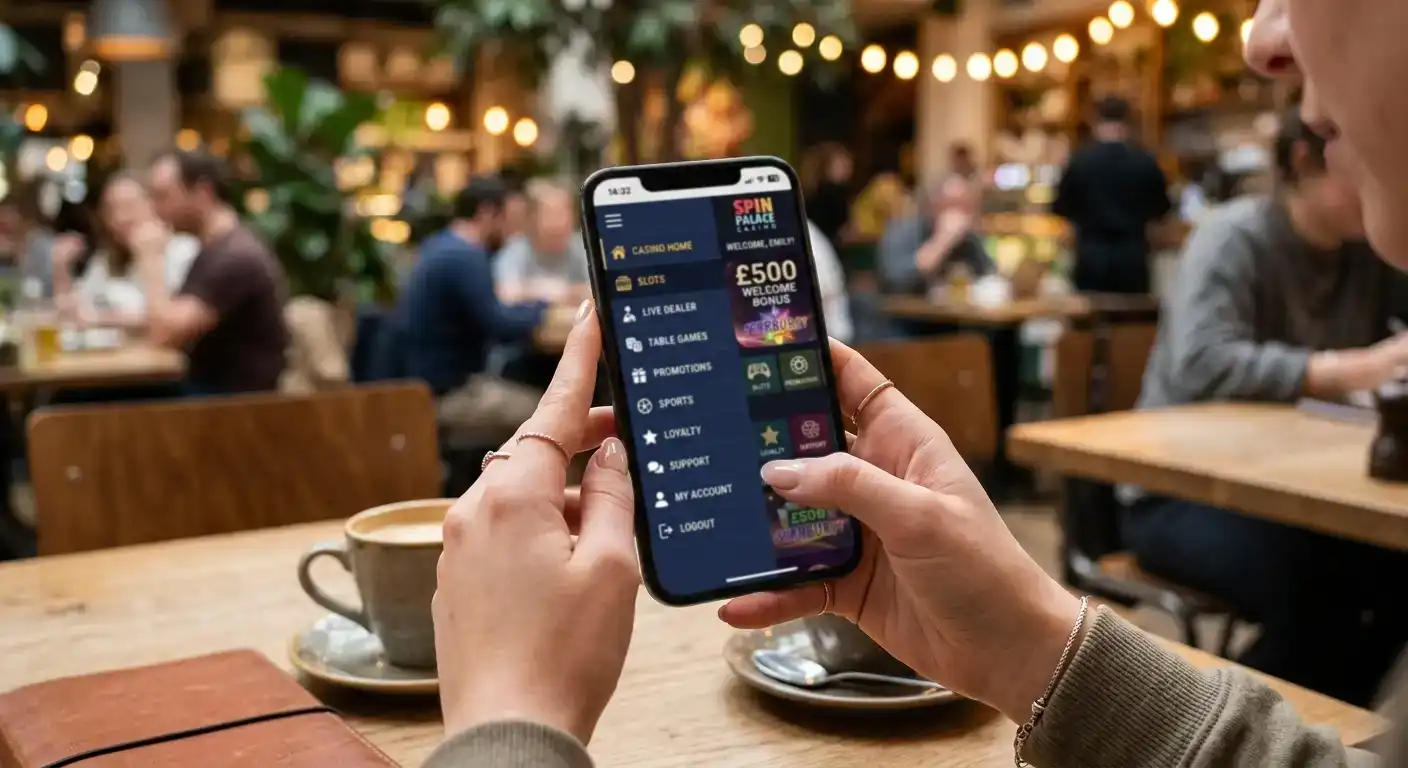
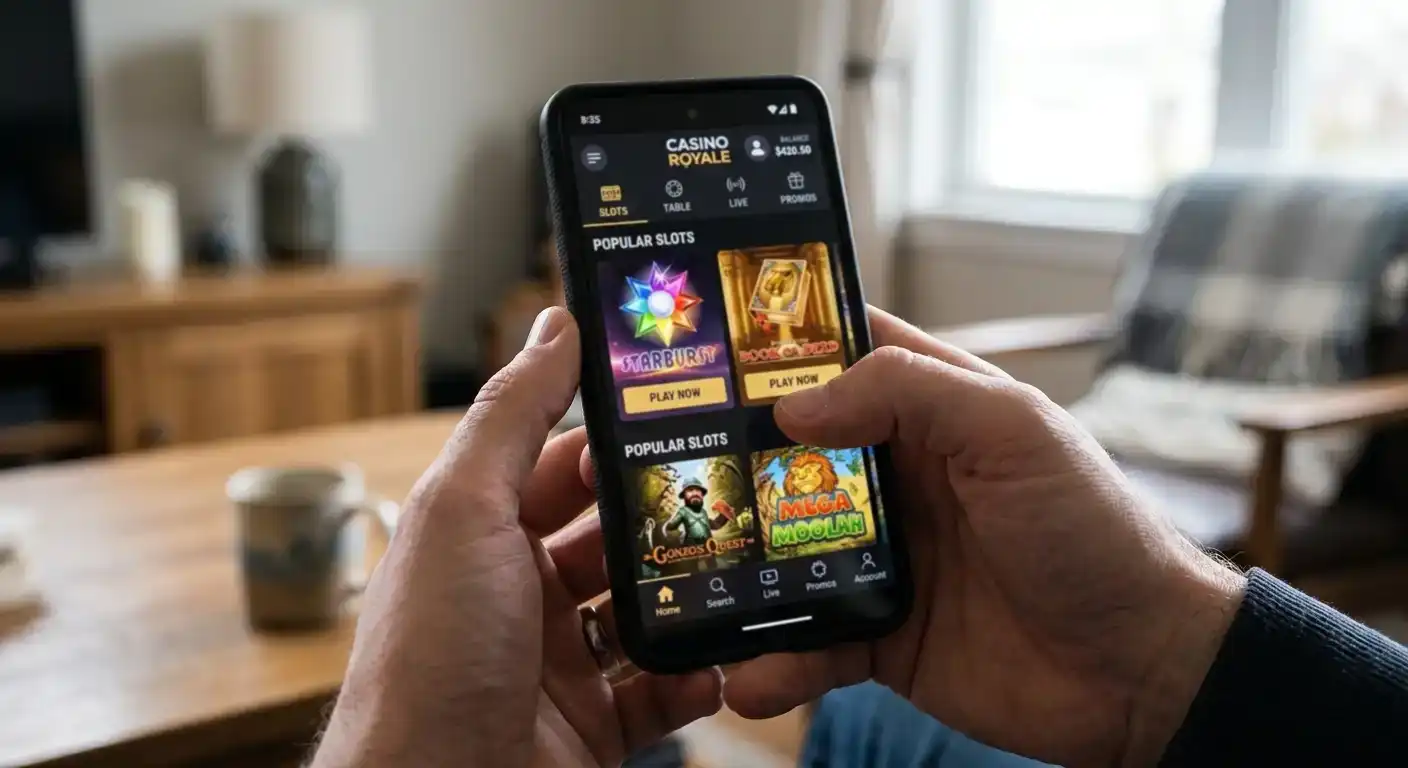
Britsino’s mobile lobby, accessed through a smartphone browser, rearranges the desktop layout into a vertical scroll with collapsible categories. The category tabs typically sit at the top of the screen as horizontal pills you can swipe through, while the search icon lives in the header. This is standard mobile casino design, and it works adequately — but “adequately” still means a lot of vertical scrolling if you are browsing rather than searching.
The single most effective mobile navigation strategy is to use the search bar immediately rather than browsing. On desktop, casual browsing is pleasant — thumbnails are large, the mouse wheel is effortless. On mobile, every scroll costs a thumb swipe and visual processing time. With mobile devices now accounting for over 68% of all online gambling sessions — a figure projected to exceed 75% by 2027 according to H2 Gambling Capital — the mobile navigation experience is the primary experience for most players, not a secondary one.
If you know what you want to play, search. If you want to discover something new, use the category filter first to narrow to a manageable subset, then browse within that subset. Never try to browse the entire unfiltered mobile catalogue — that way lies madness and wasted battery.
Favourites, Recently Played and Personal Curation
The most efficient filter in any casino lobby is not built by the platform — it is built by you. Most modern casino platforms, including Britsino, offer a “Favourites” or “My Games” feature that lets you bookmark titles for quick access. This is the closest thing to a personalised library, and it is criminally underused.
I maintain a favourites list of roughly 15 games at any platform I play regularly. That list serves as my personal lobby — I open it, pick a game and start playing within seconds. No scrolling, no searching, no thumbnail-scanning. The initial investment of time — playing a few games from different categories and starring the ones I enjoy — pays dividends across every subsequent session.
The “Recently Played” section serves a different but complementary function. It acts as a session history, showing you what you played last time and making it easy to return to a game you enjoyed but forgot to bookmark. Between Favourites and Recently Played, you can effectively bypass the entire lobby for routine sessions and only engage with the full catalogue when you are actively looking for something new.
Navigation Habits That Actually Save Time
After testing dozens of casino lobbies over the years, I have settled on a navigation workflow that works regardless of the platform. Start with intent: do you want to play a specific game, explore a provider, or discover something new? Each intent maps to a different tool.
For specific games, go straight to the search bar. Type the game name or the first few distinctive words. If the search returns nothing, check your spelling — many game titles use unusual capitalisation or stylised words that differ from how you would naturally type them. “Book of Dead” is three words, capitalised. Typing “book dead” might work; typing “bookdead” probably will not.
For provider exploration, use the provider filter if available. If not, search the provider name. Browse the resulting titles with attention to the game thumbnails — providers tend to use consistent visual branding, so after a few sessions you will recognise a Pragmatic Play or NetEnt game on sight.
For open discovery, apply two filters simultaneously: category plus one other constraint (provider, popularity or “new”). This narrows the field to a browsable subset without prescribing a specific result. “New slots from Hacksaw Gaming” is a much more productive browsing session than “all games, sorted by default.”
The lobby is a tool, not a destination. The less time you spend navigating, the more time you spend playing — and playing is, presumably, why you opened the site in the first place.
Can I filter Britsino Casino games by software provider?
Provider filtering availability depends on the platform’s current lobby design. When available, it typically appears as a dropdown or tag list within the Slots category. If a dedicated provider filter is not visible, try typing the provider name into the search bar — many lobbies support provider-name queries in addition to game titles.
How do I find a specific game quickly at Britsino?
Use the search bar and type the exact game title or its first few distinctive words. Avoid generic terms like ‘slot’ or ‘bonus’ — these return too many results. If the game does not appear, double-check your spelling, as many titles use non-standard capitalisation or stylised words.
Does Britsino Casino have a favourites feature for saving games?
Most modern casino platforms offer a favourites or bookmarking function, usually represented by a star or heart icon on each game thumbnail. Tap it to add the game to your personal list, which is accessible from a dedicated tab in the lobby. Building a favourites list of 10 to 20 games eliminates the need to browse the full catalogue during routine sessions.
Prepared by the Britsino Casino editorial staff.